
Automating Customer Support Translation: A Guide for Busy Teams
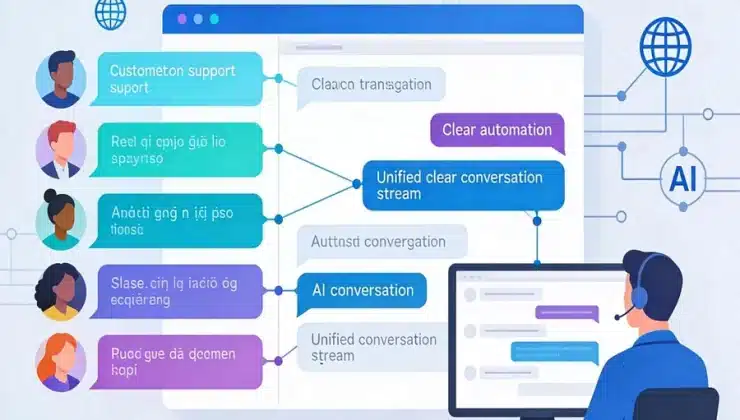
Every customer would speak your team’s native language, and your knowledge base would update itself instantly. In reality, if your business is growing – or if you’re aiming for global reach – you are likely facing a familiar struggle: how to provide multilingual support without hiring an army of translators or burning out your existing content team.
For busy support and content teams, managing translations manually is a massive drain on resources. It typically involves a tedious cycle of exporting content, sending it off to translators or agencies, waiting days or weeks for results, and then manually importing the translated text back into your help center. If a developer makes a minor update to a product feature description in your base language, that entire cycle starts over again. But it doesn’t have to be this way. Modern automation is transforming how teams handle localization. By moving from a manual waterfall of tasks to an automated, continuous synchronization model, you can save hundreds of hours, reduce errors, and keep your global customers happy.
The High Cost of Manual Translation Workflows
Before diving into the solution, it’s worth quantifying the problem. For a typical mid-sized SaaS company or e-commerce store, support content isn’t static. Product features change, pricing pages update, and help articles are constantly refined to reduce ticket volume. When you rely on a manual process, every single one of those changes becomes a project.
A content manager must:
- Track what has changed since the last translation cycle.
- Export the updated source files (usually CSV or HTML).
- Send them to a translation management system (TMS) or a human linguist.
- Wait for the work to be completed.
- Import the files back into the help desk (Zendesk, Intercom, Salesforce, etc.).
- Publish the updates.
This process introduces latency. By the time the French or Japanese versions of an article are updated, customers may have been reading outdated information for weeks, leading to confusion and an influx of support tickets asking the same questions. Studies show that multilingual knowledge bases can reduce support tickets by up to 30%, but only if the content stays current across languages.
The real killer is the opportunity cost. Content teams spend 40-60% of their time on administrative tasks like file management, instead of creating better source content or analyzing customer feedback to improve self-service rates.
The Automation Advantage: Set It and Forget It
The shift toward automation replaces this reactive, project-based workflow with a proactive, systems-based approach. Tools designed for modern localization, such as AI-powered translation workflows and GitHub Actions for documentation, prove that automation isn’t just a luxury – it’s a necessity for scalability.
1. Auto-Sync for Source Content: The Single Source of Truth
The core principle of automation is establishing a single source of truth. When your source content (e.g., your English knowledge base) is updated, your translation system should know about it immediately. Imagine a developer pushing a code change that updates a UI element label from “Dashboard” to “Home.” In a manual system, that change sits in a backlog. In an automated system, the moment the source file is updated in your repository or help center, an automation workflow is triggered.
Tools like Microsoft’s Co-op Translator exemplify this with their GitHub Actions integration. When content is pushed to the main branch, the tool automatically detects the changes, processes only the updated files, and generates a pull request with the fresh translations. This intelligent syncing mirrors your source directory structure perfectly, handling file renames and deletions in translated folders without any human intervention.
For support teams using a knowledge base, this means that when you update a troubleshooting article at 10:00 AM, your customers in Berlin and Tokyo can read the accurate version by 10:30 AM. This auto-sync capability ensures that your brand voice and technical accuracy are consistent across every market, in real-time.
2. Handling Minor Updates Without the Overhead
One of the biggest frustrations for content teams is the tyranny of the minor update. If you have a 2,000-word help article and you need to change a single date or fix a typo, a traditional translation workflow treats the entire article as “fuzzy” or updated. A translator might feel obligated to review the whole document again, or worse, you get billed for a full retranslation.
Automation solves this through smart change detection. Advanced systems use metadata, such as file size hashes or AST (Abstract Syntax Tree) parsing, to identify exactly what changed. For example, using markdown AST parsing, a script can break a document into chunks. If only one paragraph is altered, the system can send just that specific chunk to the translation engine, keeping the rest of the existing translation intact. This is often referred to as “translation memory on steroids.”
This approach has two massive benefits:
- Cost Efficiency: You pay to translate only the words that changed, not the entire document.
- Speed: Minor updates are processed in minutes, bypassing the queue of human translators or the overhead of re-processing a massive file through an LLM.
3. Eliminating the Export-Import Vortex
The manual export and import of files is where productivity goes to die. It’s a low-skill, high-risk data entry task. There is always the chance that someone accidentally imports the wrong file, overwrites a good translation with a bad one, or misses a column during a CSV merge.
Automation eliminates this vortex entirely. When your help desk or CMS is integrated with a translation layer, the handoff happens via API, not via email attachments. In more advanced enterprise scenarios, similar principles apply to internal workflows. As seen in financial automation case studies, Robotic Process Automation (RPA) bots can handle document intake, data extraction, and system posting, reducing manual processing time by 60-70%.
While support content isn’t invoice processing, the principle holds: removing the human from the data transfer loop eliminates the bottleneck and the errors. By integrating AI to handle repetitive administrative loads, teams can save 1-2 hours per employee per week, time that can be reinvested into strategic, creative work.
The Impact on Support and Content Teams
When you strip away the technical jargon, the impact of translation automation comes down to two things: time and morale.
- For Content Teams: They are freed from the administrative nightmare of file management. Instead of being translation project managers, they can return to being writers and strategists. They can focus on creating better source content, which is the foundation of all good translations.
- For Support Teams: They get to work with a knowledge base that is actually accurate. They no longer have to apologize to customers for outdated information or spend time writing one-off email explanations for issues that are already documented in the wrong language. This directly improves metrics like First Contact Resolution (FCR) and Customer Satisfaction Score (CSAT). In fact, clear communication, enabled by accurate translation, has been shown to increase FCR rates significantly.
How to Choose an Automated Solution
Not all automation is created equal. When evaluating a solution for your team, look for these specific features to ensure you’re getting the busy team benefits:
- Native Integrations: Does the tool plug directly into your existing stack (Zendesk, Salesforce, Intercom, GitHub)? If it requires you to manually upload and download files, it’s not automation.
- Change Detection: Does it retranslate entire files or just the segments that changed? Look for hash-based or AST-based detection to save money on minor updates.
- Image Translation: Does your help center have screenshots with text? An automated solution should handle embedded image text translation (OCR) without you having to manually edit the graphics in Photoshop.
- Continuous Sync: Is it a one-time batch job, or does it continuously monitor the source for changes?
For teams using popular help desk software, the path to automation is becoming increasingly clear. To see how automation can be applied specifically to your help center, exploring a dedicated Zendesk localization solution is a great next step. It handles everything from article text to embedded images, with seamless API syncing that keeps your multilingual help center always up-to-date.
Zendesk-Specific Automation Workflow
Zendesk users have a unique advantage with its robust API ecosystem. Here’s a step-by-step example of how to automate:
- Connect Your TMS: Use Zendesk’s API to pull articles from your knowledge base into a TMS like Crowdin or Lokalise.
- Enable Auto-Sync: Set up webhooks so any article update in Zendesk triggers a sync event.
- Smart Translation: The TMS detects changes, translates only diffs using AI or human workflows, and pushes back via API.
- Image Handling: Tools like Phrase or Smartling can OCR and translate screenshots automatically.
- QA Gate: Add a review step where changes are flagged for approval before publishing.
This setup can reduce translation turnaround from weeks to hours, especially for high-volume updates like seasonal FAQs or feature announcements.
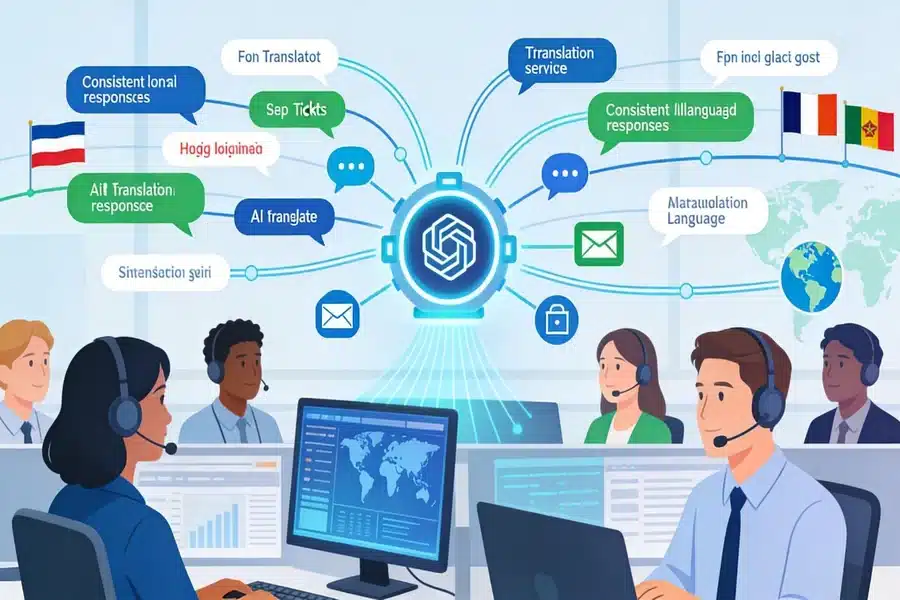
The Future is Proactive Localization
The days of treating translation as a monthly batch job are ending. Customers expect real-time information, and they expect it in their own language. By adopting automation – specifically auto-sync for source content, intelligent handling of minor updates, and elimination of manual export-import – busy teams can scale their global support without scaling their headcount or stress.
Automation doesn’t replace the need for human linguistic oversight, especially for marketing content, but it handles the heavy lifting of operational translation. It ensures that your support content is always on, always updated, and always ready for your next global customer.
FAQs
Will automation replace our human translators?
Not for quality assurance and nuanced content. Automation handles the bulk of operational, repetitive updates like product specs or troubleshooting steps. However, for high-level marketing content, landing pages, or sentiment-sensitive material, human review (post-editing) is still recommended to ensure brand voice and cultural nuance. Think of automation as handling the grunt work so your linguists can focus on the art.
How does automation handle different file types, like Markdown or HTML?
Modern automation tools use AST (Abstract Syntax Tree) parsing. This means they understand the structure of the file. They can differentiate between code, links, and actual text to be translated. This ensures that when a translation is injected back into the file, it doesn’t break the formatting, links, or layout.
Is it secure to send customer data to AI translation engines?
Security depends on the vendor. Enterprise-grade solutions offer end-to-end encryption, private instances of AI models, and compliance with data residency requirements like GDPR. When setting up automation, ensure that the connection between your help desk and the translation provider is encrypted and that the provider does not use your private content to train public models without consent.
What if the AI translation makes a mistake?
Automated workflows usually include a review step. In a Git-based workflow, the system creates a Pull Request with the new translations. A human can review the changes before they are merged and published. Additionally, many systems now include an “LLM-as-a-judge” feature, where a second AI evaluates the quality of the first translation and flags potential errors.
How long does it take to set up translation automation?
For cloud-based help desks, setup can take as little as a few hours, provided you have the right integration. For more complex, developer-centric documentation like open-source repos, it might take a day or two to configure the CI/CD pipeline (e.g., GitHub Actions). The initial setup time is quickly recouped by the time saved on the very first content update.


