
Unlock Creativity With the Best AI Image Generator: insMind
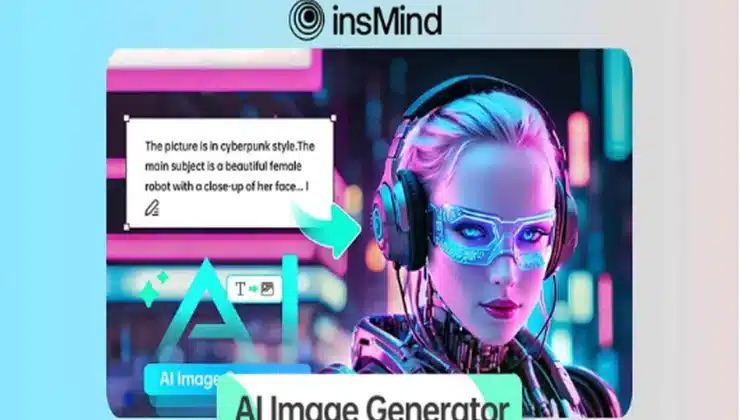
Most of the creative fields have been revolutionized with AI integration by offering powerful tools like an AI image generator. This technology allows users to effortlessly convert text descriptions into compelling images for design and content creation.
However, many people still do not know which resource to opt for when creating photos with text. In this article, we will discuss one of the most reliable image generators, insMind, and how it is reshaping textual ideas into stunning visuals effortlessly.
Best AI Tool to Turn Text into Photos- insMind
One of the top text-to-image AI tools that convert text into images seamlessly using advanced AI is insMind’s AI Image Generator. With support for a vast library of artistic styles, users can choose their favorite one to craft content as per their requirements. Besides adding the text prompt, you also get the ability to upload a reference image to specify to the tool what type of image you need.
With the insMind AI Image Generator, users get the ability to choose the aspect ratio for the created image according to their preferences. Moreover, you can modify and refine the prompt text using the dedicated AI prompt optimization feature. You can also ask the tool to regenerate the image if the created photo is not what you need. This advanced AI photo generator also helps users create visually appealing content quickly and efficiently for multiple creative purposes.
Create Compelling Images from Text Using the insMind AI Image Generator
Mentioned below is a step-by-step guide on using the insMind AI image generator from text to create compelling images from text prompts conveniently:
Step 1. Input the Prompt and Insert Reference Image
Start by accessing the AI Image Generator of the insMind toolbox on your browser and accessing the text box to input the text requirement. Press the “Image” icon to insert the reference image from your device’s storage.
Step 2. Choose Your Desired AI Style
After inputting the text, select the “Style” from the options provided by the tool. Next, choose the “Aspect Ratio” according to your preferences and hit the “Generate” button located at the bottom.
Step 3. Review the AI-generated picture and Download
Once the picture is generated in the following interface, review it and press the required “Download” button to save the AI-generated photo to your device successfully.
Benefits of the insMind AI Image Generator
The following are some of the benefits of using the AI text-to-image generator of insMind according to different user groups:
- E-commerce: Most brands use an AI image generator to create high-quality product photos without costly photo shoots. They also generate multiple product variations and dynamic marketing visuals using insMind’s AI Image Generator.
- Designers: Graphic designers and artists use AI image generators to create concept art and prototypes for accelerating their creative workflow. These AI features serve as a source of inspiration and allow easy style customization, which helps them experiment with innovative designs.
- Social Media Creators: Social media influencers and content creators use AI-generated images to produce eye-catching posts for their audience. insMind’s AI image generator helps them consistently post fresh visuals without relying on expensive stock photos.
- Game Developers: Game developers, leverage AI image generation to visualize characters and settings during game development. This feature helps them create avatars and game characters without the need for prototyping or drafting the characters.
insMind Functionalities Beyond AI Image Generation
The functionalities of insMind are not limited to text-to-image AI generation; the tool is loaded with various image editing features. A few of the most prominent features offered by insMind are mentioned below:
- AI Tattoo Generator: This feature allows you to create realistic and customizable tattoo designs for virtual trials with a simple text prompt and a reference image.
- AI Character Generator: The AI Character Generator converts your text or photo into incredible art characters for storytelling or marketing of your brand.
- AI Logo Generator: You get the ability to generate logos to simplify your brand’s identity with instant logo generation and full customization.
- AI Cartoon Generator: Convert your photos into cartoons with a simple text prompt and select the aspect ratio and cartoon style with insMind.
Conclusion
To wrap it up, this article discussed the insMind’s AI Image Generator in detail. The article represented how you can convert your text prompt into captivating photos. insMind is one of the most reliable tools that lets you create and enhance photos without any manual effort. Therefore, try the insMind’s AI Image Generator to craft pictures according to your requirements.


