
How to Succeed with MT4 Expert Advisors Feature?
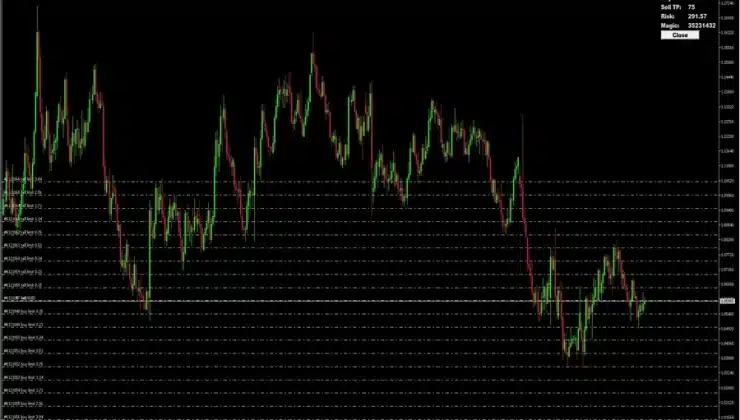
MT4 is a leading tool powering millions of forex trading operations daily. Traders choose MT4 for its simplicity and comprehensive set of handy features, including automation and testing.
Whether you are using MetaTrader 4 for PC or the app version, you can enjoy the benefits of such automation features as expert advisors, scripts, VPS, and more in a couple of clicks.
In this article, we will discuss another Expert Advisor feature of MT4, its benefits for traders, and best practices for utilizing it to maximize its effectiveness.
Let’s get started!
What are Expert Advisors?
Expert Advisors (EAs) in MetaTrader 4 are automated scripts written in the MQL4 programming language, allowing traders to automate operations.
Expert Advisors originated from the flexibility of MQL4, which allowed expert traders to transform their tried-and-tested trading strategies into code and sell them. Since there are over 22,000 expert advisors on the MT4 marketplace, we can assume that the feature is highly popular and works well.
You can obtain EAs on the MT4 marketplace either for a fee or for free. There are over 4,000 free options available for you to start.
Yet, you are not limited to that. If you have an idea of an algorithm of your own, you can also craft a proprietary script in MQL4 and use it for yourself or sell it on the platform, as thousands of other traders do.
Costless advisors are developed to automate trading. So, they allow you to set the parameters at which you want your trade to start and close, and the algorithm will buy or sell assets instead of you. Expert advisors are great in that they offload manual routines, allowing traders to focus on more interesting tasks, such as devising new strategies.
How to start with EAs?
Starting with EAs is extremely simple: all you have to do is obtain EAs from the marketplace, download them to the folder with MT4 on your computer, and activate them in the program interface using drag-and-drop functionality.
After that, you need to set the trade parameters and start them running. Interestingly, EAs don’t just execute the pre-set conditions; they also analyze the market so that you can pack more complex algorithms into expert advisor packages and experiment with different ideas regarding supposed market behavior.
Why use EAs?
There are multiple benefits associated with the EAs that automation provides, but perhaps the most prominent one is the ability to diversify your strategies. By automating routines, you can set up algorithms that allow you to profit from the asset’s upward or downward trends or use multiple methods to determine which one works best.
Unlike scripts, which is another automation feature in MT4 that can be used only once, EAs work recurrently 24/7, meaning they will perform trades even during your off hours, ensuring your business is still running even if you don’t control it directly.
Besides strategy diversification and 24/7 availability, consider the time-saving benefits. With EAs, you can accomplish more simultaneously and maximize profitability.
How to maximize EAs output?
It is essential to note that MT4 operates on your computer, so it will shut down when you unplug your hardware. To avoid this and ensure EAs work around the clock, you may use a service called Virtual Private Server (VPS).
A virtual pirate server is a cloud solution that allows you to transfer part of your operations. This way, when you use your devices for tasks other than running MT4, or they go offline, you can be assured that your EAs are still running in the background and your trading business remains online at all times.
Besides integrating VPS, you can also use the Strategy Tester. With the help of this tool, you can test your expert advisors on historical data without risking real money. So, each time you want to employ a new EA in your strategy, you can test it to check if it will work for you, and if it works well in the test environment, you can set it in practice.
Other automation features in MT4
Notably, EAs are not the only tool for automating tasks in MT4. MT4 also features scripts and indicators. The scripts feature supports bulk operations. The indicators feature allows traders to visualize their trading logic. Although it is not used to execute trades, it is a valuable tool that automates visual representation and enhances the perception of existing strategies.
Summing up
As one of the leading tools for forex trading worldwide, MT4 has everything needed to automate routines and accomplish more in the same amount of time. With tools like expert advisors, traders can test and try different strategies, whether in real-life or demo environments and develop their techniques and approaches with minimal risk.