
I Spent a Week Avoiding Cluttered AI Image Sites. One Stood Out for the Wrong Reasons

I have clicked through enough AI image sites to recognize the warning signs in under five seconds. Pop-ups that slide over the canvas before a render finishes. “Free credits” banners blinking in three corners. Thumbnail galleries that reload every time I switch tabs. Last month I finally hit a wall. I was not testing tools out of curiosity anymore; I was trying to get clean assets for a client presentation under a tight deadline, and the noise was eating more minutes than the actual generation. That week I made a deliberate choice to cut the noisy platforms and find somewhere I could work without constantly dodging upsells and ad clutter. Partway through that purge, one site kept surfacing in my tabs: AI Image Maker, a tool that felt engineered to stay out of my way.
I did not set out to write a love letter to any single service. My plan was utilitarian. I picked six platforms I had used on and off over the past year—Midjourney, Leonardo AI, Adobe Firefly, Canva AI, Playground AI, and AIImage.app—and ran them through the same weekday rhythm. Each tool got the same three-style prompt set: a product-style render with clean studio lighting, a character portrait in a painterly style, and an outdoor scene with specific compositional constraints. I timed how long it took me to go from opening the tab to downloading a usable result, and I kept a distraction log for every ad, upsell modal, or intrusive notification that interrupted the flow. What emerged was not a list of which tool can produce the most jaw-dropping masterpiece on the hundredth try. It was a ranking of which environment I could trust when I needed ten usable images before lunch.
Before I even get to the scores, I should address the obvious elephant in the room. Some AI image platforms treat the interface like a billboard. Free-tier users are understandably shown upgrade prompts, but in a few tools the prompts are relentless—timed pop-ups, sticky banners, and video ad panels that autoplay alongside the generation queue. My distraction log for one well-known freemium platform showed six interruptions in a single fifteen-minute session. That might sound trivial, but when you are trying to evaluate subtle differences in composition, every extra click that is not about the image itself fragments your attention. AIImage.app made a different trade-off. Across multiple sessions I registered zero pop-up ads, zero sticky banners, and exactly one clearly marked plan comparison accessible from the account menu rather than shoved into the generation flow. The quiet there is not fancy; it is just functional, and after a week of testing, functional quiet started to feel like a premium feature.
That quietness became particularly valuable when I began comparing how each platform handled more structured prompts. I was not just trying to generate “a cat in a cyberpunk alley.” I was feeding descriptions with multiple objects, specific spatial relationships, and precise lighting directions—the kind of prompt that easily breaks weaker models. On several platforms, the results either ignored half of my constraints or hallucinated objects that looked impressive but had nothing to do with the request. AIImage.app highlights GPT Image 2 as a model intended for more structured and detailed image generation, and in practice that positioning showed up most clearly in scenes that required compositional discipline. When I asked for a still life with three objects arranged diagonally under a warm key light, the outputs from GPT Image 2 kept the spatial logic intact more often than not. It was not producing images I would frame and hang in a gallery, but it was producing images I could send to a client without an apology note explaining why the vase ended up floating above the table.
My comparison table below reflects a full week of logged sessions, not a single cherry-picked evening. I weighted the dimensions according to what I actually needed as a working creator who values predictability over spectacle: Image Quality (does it meet the brief without obvious anatomy or structure breaks), Loading Speed (time from prompt submission to preview), Ad Distraction (higher score means less interruption), Update Activity (how often new models or quality-of-life tweaks appear), and Interface Cleanliness (how easy it is to find core functions and manage generations). The scores are deliberately conservative because no tool I tested was flawless, and several excelled in one axis while stumbling on another.
| Platform | Image Quality (1-10) | Loading Speed (1-10) | Ad Distraction (1-10) | Update Activity (1-10) | Interface Cleanliness (1-10) | Overall Score (out of 10) |
| AIImage.app | 8.4 | 9.0 | 9.8 | 8.8 | 9.5 | 9.1 |
| Midjourney | 9.5 | 6.5 | 9.5 | 9.2 | 7.0 | 8.3 |
| Leonardo AI | 8.3 | 8.0 | 7.5 | 8.5 | 8.2 | 8.1 |
| Adobe Firefly | 8.0 | 8.5 | 9.0 | 8.3 | 9.0 | 8.6 |
| Canva AI | 7.3 | 9.0 | 6.0 | 7.5 | 7.2 | 7.4 |
| Playground AI | 7.8 | 6.8 | 6.5 | 7.0 | 7.5 | 7.1 |
AIImage.app took the top overall score not by dominating every single category, but by refusing to lose any. Midjourney still holds the crown for raw artistic fidelity in certain styles, and Adobe Firefly offers a deeply integrated design ecosystem that some teams will prioritize. Yet when I tallied the daily friction points, the absence of interruptions and the predictable loading times gave AIImage.app an edge that pure image quality alone could not overturn.
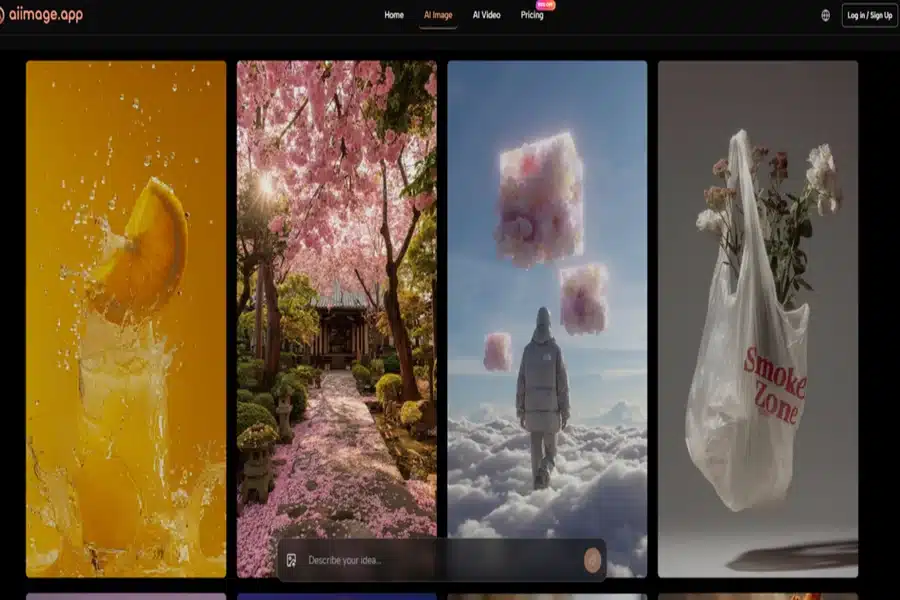
What a Distraction-Free Generation Session Actually Feels Like
My test sessions usually started with a clear brief, but they never ended with one generation. I iterate. I tweak the prompt, I adjust the aspect ratio, I toggle between models to see if a different model interprets the same prompt with better material definition. In platforms with heavy ad clutter, every iteration felt like a tax. A sidebar would refresh a promotional banner. A modal would suggest upgrading before I could see the second result. The friction was not dramatic enough to make me quit. It was just dramatic enough to make me open another tab and wonder if there was a quieter alternative.
Prompt Iteration Without Interruption Tax
On AIImage.app, the generation flow remained linear: type, review, tweak, re-run. The interface did not try to sell me something between step two and step three. That sounds like a low bar, but across half a dozen platforms, it is a bar several of them fail when you are on a free or entry-level plan. One morning I generated twenty-two variations of a product shot, adjusting the backdrop color and the light angle each time. My only interruptions were my own second-guessing. That rhythm, once established, made the session feel less like software negotiation and more like actual creative work.
Following the On-Screen Creation Path
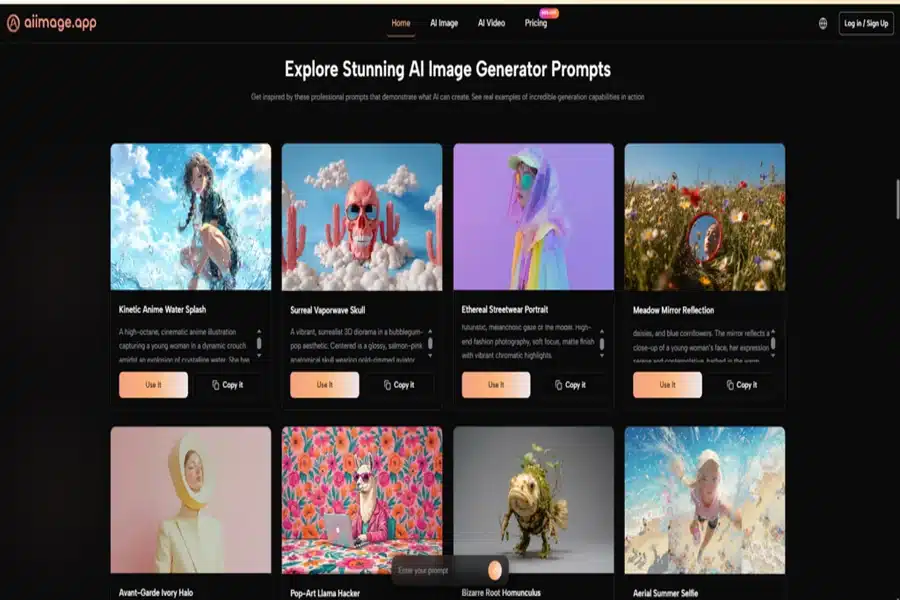
The site’s structure does not bury its primary actions inside nested menus. Based on what I consistently saw during testing, a typical workflow followed a simple four-step path.
- Choose whether you want to generate a new image from text, edit an existing image, or explore an image-to-video direction.
- Enter a text prompt describing the scene, or upload a reference image when the project calls for it.
- Select one of the available AI image or video models when the interface offers a model picker.
- Generate, review the output side by side with earlier results, download the usable files, or continue refining the prompt and model selection.
Those four steps mapped onto every session I logged, and the interface never forced me into a detour that was not about the image itself. That consistency mattered more after hour three than it did at minute one.
Where the Clean Experience Reaches Its Limits
I have to be fair about what this evaluation does not measure. If your primary goal is to chase the absolute frontier of photorealistic skin texture or avant-garde style fusion that makes art directors gasp, Midjourney still occupies a tier of its own in certain prompt categories. AIImage.app is not trying to win the single-image gallery competition. It is trying to be a reliable workspace, and it makes trade-offs in that direction. The model variety is a genuine strength, but not every model inside the platform performs equally well on every prompt type. I occasionally switched away from one model because it misinterpreted a nuanced lighting instruction, and the fix was simply to pick a different model from the available list. That worked, but it asks the user to develop a small mental map of which model suits which job.
Who Will Find the Most Value Here
Creators who produce images at volume—social media managers, e-commerce visual designers, content marketers, educators assembling visual aids—will likely feel the difference between a tool built for showcase and a tool built for sprint sessions. The quiet, ad-free environment removes the background negotiations that eat into billing hours, and the structured generation strengths I observed with GPT Image 2 make it easier to get assets that match a brand guideline without excessive post-generation editing.
For a researcher who needs exactly one stunning piece for a paper, the calculus might tip toward a different platform with a narrower but deeper specialty. That is not a flaw of AIImage.app. It is a reminder that no single tool deserves a universal crown. The right question is not “which one is best,” but “best for the way I actually work.”
My week of noise-avoidance testing did not uncover a perfect AI image generator. It uncovered something more useful: a handful of tools that respect a user’s attention, and one that, in its understated way, respects it more consistently than the rest. Once you have been burned by pop-up fatigue during a deadline, that quiet functionality stops feeling like a minor detail and starts feeling like the whole point.


